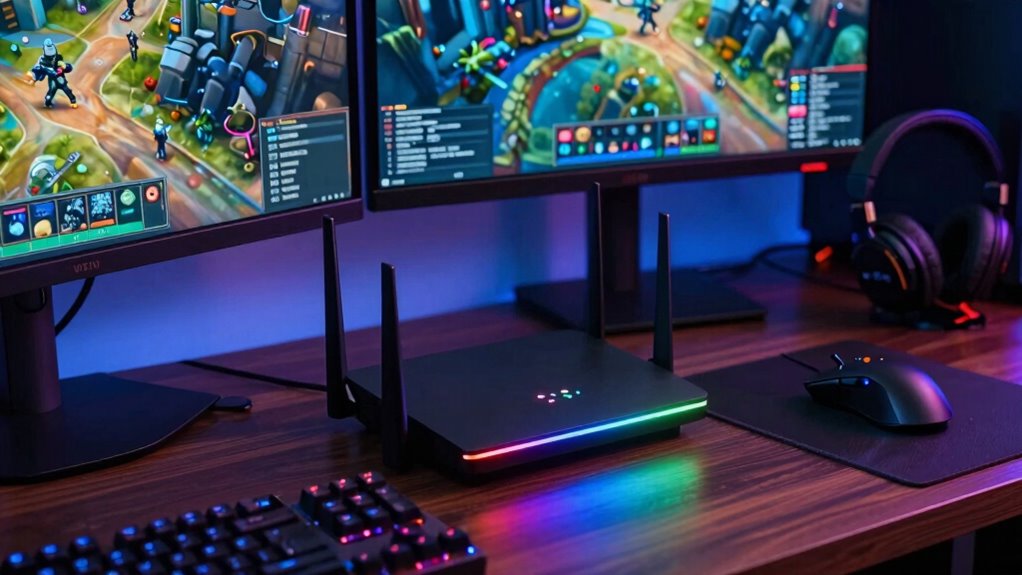

Gaming routers support high-demand streaming and play by using advanced security, multiple bands, and powerful processors to prioritize traffic and reduce lag. They feature Quality of Service (QoS) settings to guarantee gaming and streaming get first attention, even during busy times. Band separation prevents interference, while real-time monitoring helps troubleshoot issues quickly. Expanded coverage with mesh networks keeps your connection strong everywhere. If you want to explore how these features work together, keep exploring further.

Get everyday essentials delivered free — and shop member deals
- Fast, free delivery on millions of items
- Access to Prime Big Deal Days deals on October 6–7
- Prime Video, Amazon Music and more included
Key Takeaways
- Advanced QoS settings prioritize gaming and streaming traffic to reduce lag and latency.
- Dual or tri-band connectivity separates high-demand devices, minimizing interference and congestion.
- Built-in firewalls and security protocols protect networks during intense online activities.
- Multiple antennas and powerful processors enhance signal strength, stability, and overall performance.
- Real-time monitoring and troubleshooting ensure a stable, low-latency connection during critical moments.
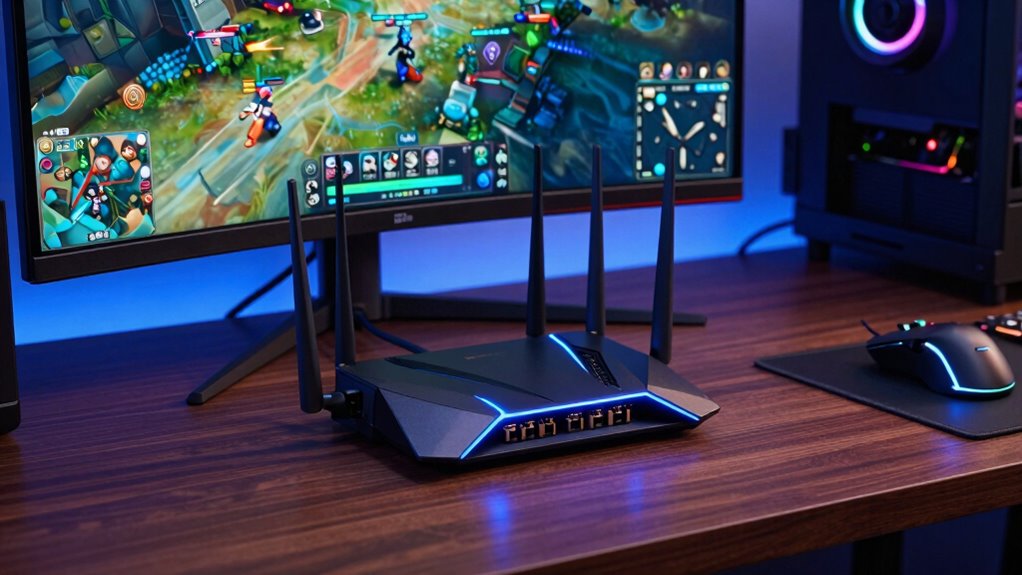
In today’s gaming world, having a reliable internet connection is essential, especially when you’re streaming your gameplay or competing online. Gaming routers are designed to handle these high-demand activities, offering features that ensure smooth, lag-free experiences. One of the critical aspects they focus on is network security. With the increasing number of online threats, your gaming setup needs protection from potential cyberattacks and unauthorized access. Modern gaming routers come equipped with advanced security protocols, such as WPA3 encryption and built-in firewalls, which help safeguard your network without sacrificing speed. This means you can focus on your game without worrying about intrusions or data breaches disrupting your session.
Another way gaming routers support demanding streaming and gaming is through hardware customization. Unlike standard routers, gaming models often allow you to tweak and optimize hardware components like Quality of Service (QoS) settings, multiple antennas, and powerful processors. These customizations enable you to prioritize gaming traffic over other network activities, ensuring your gameplay gets the bandwidth it needs, even in busy households. You can also adjust settings for streaming platforms, reducing latency and buffering during live broadcasts. This level of control helps you tailor your network performance precisely to your needs, minimizing lag spikes and packet loss during critical moments in your gameplay or stream. Additionally, advanced network management features often include options for monitoring and troubleshooting your connection in real time, further enhancing your gaming experience.
Furthermore, gaming routers often feature dual or tri-band connectivity, which means you can dedicate separate bands for gaming, streaming, and other devices. This segregation prevents interference and congestion, ensuring that your high-speed gaming traffic isn’t slowed down by less critical activities like file downloads or smart home devices. The hardware customization options extend to advanced QoS algorithms that automatically detect gaming packets and prioritize them in real-time, providing a seamless experience even when multiple devices are connected. Additionally, some models include adaptive bandwidth management to dynamically allocate resources based on activity levels, optimizing overall network efficiency. With these capabilities, you get a stable, low-latency connection that’s crucial for competitive gaming and high-quality streaming.
In addition, many gaming routers support mesh networking, allowing you to expand your coverage across your entire home. This ensures your gaming setup remains connected and fast, regardless of where you are in the house. These security protocols are especially important as online threats continue to evolve, ensuring your network remains protected. Overall, by combining robust network security features with flexible hardware customization, gaming routers empower you to handle the most demanding streaming and gaming tasks efficiently. They are designed to keep your connection secure, optimize performance, and give you the control needed to elevate your online gaming and streaming experiences.
As an affiliate, we earn on qualifying purchases.
Frequently Asked Questions
How Do Gaming Routers Prioritize Bandwidth for Multiple Devices?
Gaming routers prioritize bandwidth for multiple devices through device prioritization and bandwidth allocation features. You can assign priority levels to your devices, ensuring gaming or streaming devices get the bandwidth they need first. The router dynamically manages network traffic, allocating bandwidth efficiently based on these priorities. This way, your high-demand devices stay connected smoothly, reducing lag and buffering, even when multiple devices are active on your network.
Can Gaming Routers Reduce Latency During Intense Gaming Sessions?
Yes, gaming routers can dramatically reduce latency during intense gaming sessions. They combat network congestion by prioritizing gaming traffic, ensuring your gameplay isn’t interrupted. Plus, their advanced features enhance signal stability, so you enjoy smoother, more responsive play. With technologies like Quality of Service (QoS), you get a dedicated lane for your game data, minimizing lag and leveling up your gaming experience when it matters most.
What Features Distinguish Gaming Routers From Standard Routers?
Gaming routers have advanced features like Quality of Service (QoS) that prioritize gaming traffic, reducing lag. They also come with enhanced network security to protect your devices from threats and parental controls to manage online access for family members. Unlike standard routers, gaming routers offer customizable settings, faster data transfer, and lower latency, making your gaming experience smoother while keeping your network safe and family-friendly.
Are Gaming Routers Compatible With All Streaming Services?
Think of a gaming router as a universal translator for your streaming devices. It’s compatible with most streaming services, ensuring your streaming quality remains sharp and smooth. You won’t face compatibility issues, so whether you’re using Netflix, Hulu, or others, your experience stays seamless. This device prioritizes bandwidth for gaming and streaming, giving you consistent, high-quality streams without buffering, no matter what service you use.
How Easy Is It to Set up a Gaming Router for New Users?
Setting up a gaming router is straightforward, even for new users. You’ll typically connect it to your modem, access the user-friendly interface, and follow on-screen instructions. Many routers offer firmware customization options, allowing you to optimize performance, and parental controls help manage access for family members. Most setups only take a few minutes, and detailed guides or app-based setups make it even easier to get your gaming network up and running smoothly.
As an affiliate, we earn on qualifying purchases.
Conclusion
By choosing a gaming router, you’re ensuring smooth streaming and seamless gameplay, even during peak usage. Did you know that 65% of gamers report lag as their biggest frustration? With features like QoS and dual-band Wi-Fi, gaming routers prioritize your traffic and reduce lag, giving you a competitive edge. So, investing in the right router means more wins and better streaming—making your gaming and entertainment experience truly excellent.
As an affiliate, we earn on qualifying purchases.
gaming router with advanced security
As an affiliate, we earn on qualifying purchases.
As an affiliate, we earn on qualifying purchases.
Fall Picks
fall essentials
As an affiliate, we earn on qualifying purchases.