
TL;DR
Processing one video locally can produce all the assets you need for publishing—titles, descriptions, thumbnails, clips—all without relying on cloud services. This approach boosts privacy, cuts costs, and speeds up workflows.
Imagine finishing a video and having a team of assistants instantly prepare every social post, thumbnail, blog draft, and clip—without ever uploading to the cloud. Sounds like a dream, right? But it’s becoming real with tools that process your media on your own machine.
This isn’t about just transcribing your video; it’s about understanding it deeply—what’s said, what’s shown, and what hooks viewers—and turning that into a full publishing kit. You’ll learn how this local workflow saves money, boosts privacy, and speeds up your content cycle.
Key Takeaways
- Processing videos locally keeps your data private and eliminates recurring cloud costs.
- A single upload can produce dozens of assets—titles, clips, descriptions, social posts—saving hours of manual work.
- Automation speeds up publishing, allowing you to focus on content quality, not prep work.
- Open-source tools like ChannelHelm make local workflows accessible for creators and teams.
- Tradeoffs include hardware requirements and setup time, but control and privacy are worth it.

CyberLink PowerDirector 2026 | Video Editing Software for Windows | AI Video Editor, Screen Recorder, Slideshow Maker, Effects & Transitions | YouTube & Content Creation | Box with Download Code
Enhanced Screen Recording – Capture screen & webcam together, export as separate clips, and adjust placement in your…
As an affiliate, we earn on qualifying purchases.
As an affiliate, we earn on qualifying purchases.
What Does ‘Without the Cloud’ Really Mean for Your Video Workflow?
‘Without the cloud’ means all your video processing and asset generation happen directly on your device—no external servers, no ongoing subscription fees. It’s like having your own media factory right inside your computer. For example, instead of uploading a video to a platform and waiting for cloud-based tools to analyze it, your machine handles everything.
Think of it as building a workshop in your garage instead of renting a warehouse. Your footage stays private, your workflow speeds up, and you control every step. Platforms like ChannelHelm are making this possible with local AI that understands your videos and creates everything you need for publishing.
Why does this matter? Because every upload to the cloud introduces potential security vulnerabilities, delays, and ongoing costs. By processing locally, you retain full control over your content, reduce dependency on external providers, and can work more efficiently—especially important for sensitive or proprietary content.

The Complete Autodesk Maya 2027 Handbook: Step-by-Step Guide to 3D Animation, Game Asset Creation, Rendering, and Realistic Visual Production (The Complete Developer Series)
As an affiliate, we earn on qualifying purchases.
As an affiliate, we earn on qualifying purchases.
How One Video Turns Into a Full Publishing Kit — The Exact Process
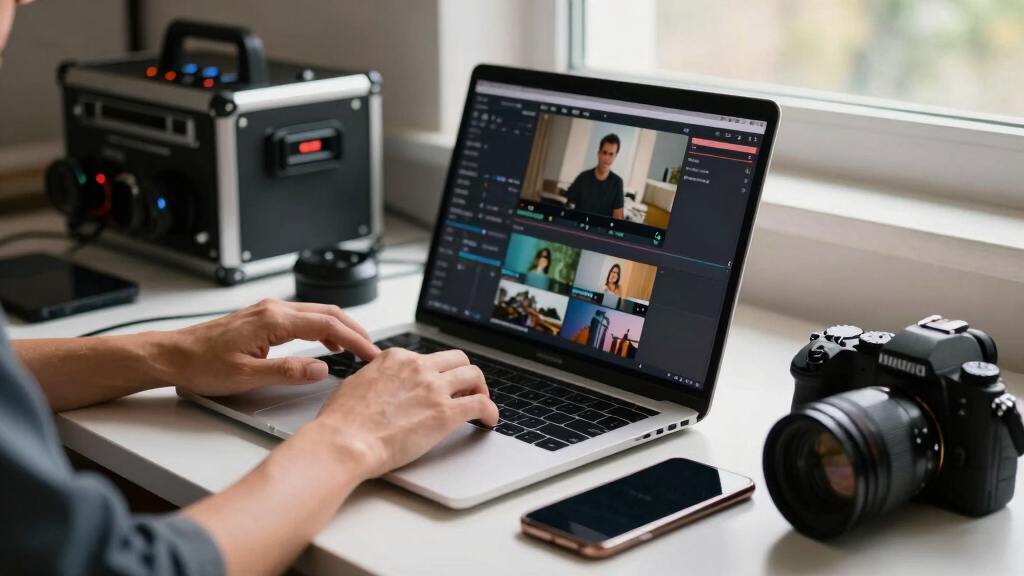
Processing a single video into a full publishing kit involves four main steps, all happening locally. Here’s how it works: One Video In, a Whole Publishing Kit Out — Without the Cloud
- Ingest: Drop your video file or paste a YouTube link. The system detects the channel and loads the media.
- Understand: AI transcribes speech, analyzes visuals, and fuses data to identify key moments and topics.
- Review: You see a dashboard with generated titles, descriptions, clips, and social posts. Edit, regenerate, or approve assets directly.
- Publish: Assets get exported ready for upload—no need for cloud-based pipelines. All done on your machine, with full provenance tracking.
This process isn’t just about automation; it’s about creating a reliable, repeatable workflow that respects your control over your content. By understanding the intricacies of your footage—like identifying the most engaging segments or the best thumbnail moments—you can craft a more compelling presentation. The tradeoff is that initial setup might require some learning curve, but the long-term gains in speed, privacy, and cost savings are substantial.
For example, a 20-minute interview can produce 10 social clips, a blog draft, a YouTube description with chapters, and multiple social media posts—all from one upload, with the AI intelligently selecting the highlights and structuring the assets for maximum impact.
How One Video Turns Into a Full Publishing Kit — The Exact Process 
Dictation Depot LLC Express Scribe Transcription Kit – Professional Software, Heavy Duty Infinity IN-USB-3 Foot Pedal, Spectra FLX-10 Headset – 16GB Memory, USB Interface
Three-button USB foot pedal makes transcribing fast and efficient
As an affiliate, we earn on qualifying purchases.
As an affiliate, we earn on qualifying purchases.
What Assets Can One Video Generate? The Complete List
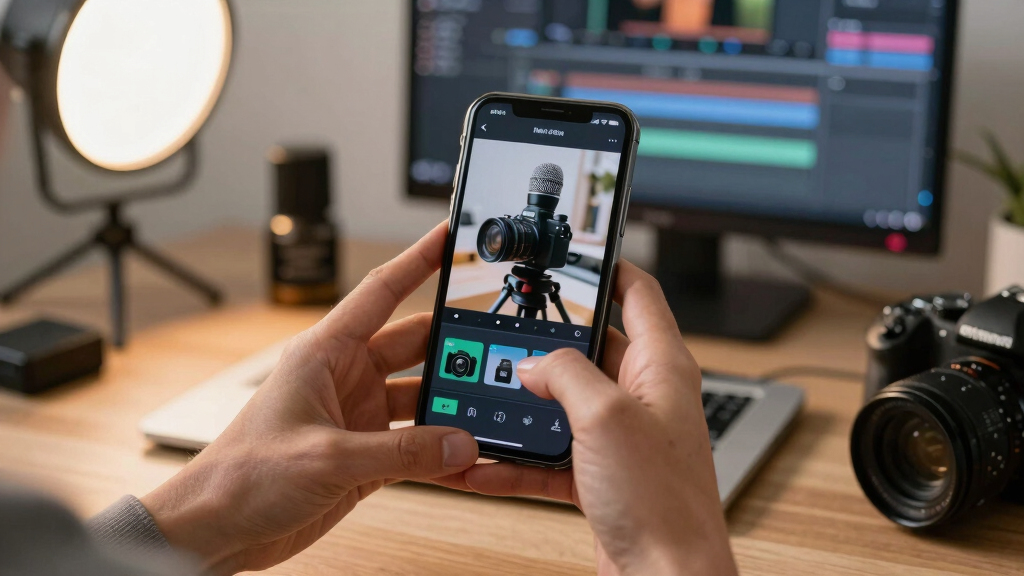
From a single video, you can produce dozens of assets tailored for different platforms and purposes. Here’s a comparison table to show what’s possible: One Video In, a Whole Publishing Kit Out — Without the Cloud
Asset Type Description Example Titles Optimized headlines for YouTube, social, blogs ‘Top 5 Tips for Better Video Editing’ Descriptions & Chapters Structured summaries with timestamps Breakdown of key topics with time markers Thumbnails Auto-generated images based on hook moments Bright, eye-catching thumbnails highlighting key scenes Clips & Shorts Vertical cuts for TikTok, Reels, Shorts 15-second highlights of the funniest moment Social Posts Platform-specific posts and threads Twitter threads, Instagram captions, Facebook posts Blog Drafts & Newsletters Text summaries and article outlines Briefs for your email list or blog articles Generating all these assets from one video isn’t just about convenience; it fundamentally changes your content creation process. Instead of manually producing each element, AI-driven tools analyze your footage to identify the most engaging moments, craft compelling headlines, and even suggest visual styles. The tradeoff is that you need to ensure your hardware is capable of handling these processes smoothly, and some assets may require manual fine-tuning for perfection. But the overall efficiency gain enables you to focus more on content quality and less on repetitive tasks.
What Assets Can One Video Generate? The Complete List 
Gemma 3N: Private, Powerful AI on Any Device: The Ultimate Guide to Running Multi-Modal AI Models Locally for Unrivaled Performance and Privacy
As an affiliate, we earn on qualifying purchases.
As an affiliate, we earn on qualifying purchases.
Why Processing Locally Beats Cloud-Based Tools Every Time
Processing locally isn’t just about privacy; it’s about control, speed, and cost. Cloud tools often charge ongoing fees, slow down workflows with uploads and downloads, and risk exposing sensitive content. Learn more about local workflows in One Video In, a Whole Publishing Kit Out — Without the Cloud.
For example, a creator working on confidential client videos can’t risk those files leaving their machine. Local processing keeps everything within reach, with faster turnaround times. Plus, there’s no monthly bill—just the one-time setup cost.
Beyond cost savings, local workflows also reduce reliance on internet connectivity. This means work isn’t interrupted by network issues, and you can work in secure, isolated environments. For industries with strict compliance requirements—like legal or medical fields—local processing ensures that sensitive data remains within your control, avoiding compliance headaches and potential breaches. The tradeoff is that initial hardware investment can be significant, but for ongoing projects, the long-term benefits of privacy, speed, and cost savings often outweigh the upfront costs.

Why Processing Locally Beats Cloud-Based Tools Every Time Speed and Efficiency — How Local Automation Saves You Hours
Imagine reducing your post-production time from several hours to just minutes. That’s what local automation can do. Instead of manually creating each asset, your machine does the heavy lifting. Find out more about this process at One Video In, a Whole Publishing Kit Out — Without the Cloud.
For instance, a typical workflow might include manually writing descriptions, cropping clips, and designing thumbnails. With local AI, these steps happen in seconds, freeing you to focus on creativity and strategy.
This isn’t just about convenience; it’s about fundamentally transforming your productivity. When you automate repetitive tasks, you gain more time to experiment, improve your content, and respond quickly to trends or feedback. For example, one creator reported saving over 10 hours per week using a self-hosted tool that automatically generates social posts, clips, and descriptions from their videos [3]. These time savings can be reinvested into higher-quality content or expanded outreach efforts, giving you a competitive edge in your niche.

Speed and Efficiency — How Local Automation Saves You Hours How Privacy and Security Improve When You Keep Everything On-Site
When you process videos on your own machine, you avoid exposing sensitive footage to external servers. That means better control over who sees your content and fewer security risks.
For example, a legal firm analyzing confidential footage can process everything locally, knowing their client data stays protected. No cloud storage means no risk of leaks or breaches.
This is especially relevant as data privacy laws tighten worldwide, making local workflows more appealing for regulated industries. The ability to keep proprietary or sensitive content private isn’t just a convenience; it’s a strategic necessity for many organizations. It minimizes the attack surface for potential breaches and ensures compliance with strict data regulations, avoiding hefty fines or reputation damage. The tradeoff, however, is that maintaining security requires diligent updates and good cybersecurity practices on your hardware, but the overall gain in peace of mind and control is often worth the effort.

How Privacy and Security Improve When You Keep Everything On-Site Limitations and Tradeoffs of a Local-First Workflow
While going local offers many perks, it’s not without challenges. You’ll need a capable machine, some setup time, and occasional manual updates. Large videos can still strain hardware, and some advanced AI features may require internet access for updates or licensing.
However, these tradeoffs are often manageable with proper planning. Investing in a robust computer and staying current with software updates can mitigate hardware limitations. Additionally, some open-source projects like [ChannelHelm](https://github.com/MeyerThorsten/ChannelHelm/) are designed to be lightweight and adaptable, making them accessible even on mid-range hardware. The initial setup might take some time, but once configured, the workflow becomes a reliable, private, and fast alternative to cloud-based solutions. The key is understanding that while local processing demands more upfront effort, it offers unparalleled control, security, and long-term cost savings—especially for those who prioritize privacy and independence from vendors.

Limitations and Tradeoffs of a Local-First Workflow Who Should Use a Local, Cloud-Free Publishing System?
This approach is perfect for creators, small teams, and organizations that prioritize privacy and speed. If you publish frequently, need control over your assets, or handle sensitive content, a local system is a game-changer.
For example, a solo YouTuber can cut out hours of manual repackaging by automating the process with a local tool, uploading once, and publishing everywhere.
It’s also ideal for enterprise teams that want to avoid vendor lock-in and keep their workflows private. The ability to operate in a secure, offline environment makes it suitable for industries with strict compliance needs, like finance, healthcare, or legal sectors, where data security isn’t just a preference but a requirement.

Who Should Use a Local, Cloud-Free Publishing System? How to Get Started with Your Own Local Publishing Kit
Ready to set up your own system? Here’s a simple plan:
- Download and install a local video processing tool like [ChannelHelm](https://channelhelm.com/).
- Configure your preferences: platforms, output formats, metadata templates.
- Drop your video or paste a link. Watch the AI analyze and generate assets.
- Review assets in the dashboard. Edit or regenerate as needed.
- Export everything and publish directly from your machine.
Most tools come with tutorials. Expect a few hours of setup, then enjoy instant, private publishing power.
Frequently Asked Questions
What does ‘without the cloud’ actually mean?
It means all your video processing, asset creation, and analysis happen directly on your device. No uploading to external servers or relying on online services—your footage stays private and on-site.
Can I generate all my social media assets from one video?
Absolutely. Modern tools can produce titles, descriptions, clips, thumbnails, and posts for multiple platforms from a single upload—saving you hours of manual work.
Does this workflow require internet access for publishing?
Once assets are generated and reviewed locally, you can export and upload them manually to your platforms. Internet isn’t needed for the processing itself, only for publishing if you choose.
How does local processing compare in cost to cloud services?
Local workflows typically involve a one-time hardware investment, with no recurring subscription fees. Over time, this often saves money compared to cloud-based tools that charge monthly or per-use fees.
Is it suitable for large-scale publishing or enterprise teams?
Yes, especially if privacy and control are priorities. However, larger workflows might need more powerful hardware and careful setup to handle volume efficiently.
Conclusion
Switching to a local, cloud-free workflow transforms how you publish. It’s not just about privacy—it’s about reclaiming your time, your assets, and your control.
Imagine a future where uploading once means your entire content ecosystem springs to life—ready for every platform, every audience. That’s the promise of turning one video into a full publishing kit, all on your own terms.

How to Get Started with Your Own Local Publishing Kit